Canvas setup
Connect Canvas.
One key. Add it in Settings.
-
Get your key.
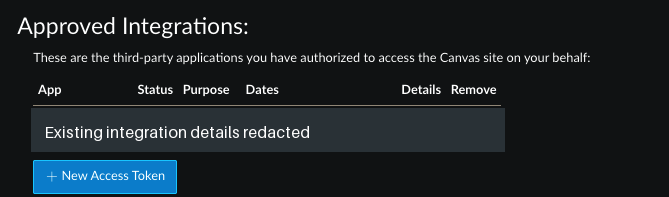
Sign in to Canvas. Open Account → Settings → Approved Integrations, then + New Access Token.
Set Purpose to SFU Companion. Choose an expiration date and time, up to 90 days away. Click Generate Token and copy your key.
-
Add it to the app.
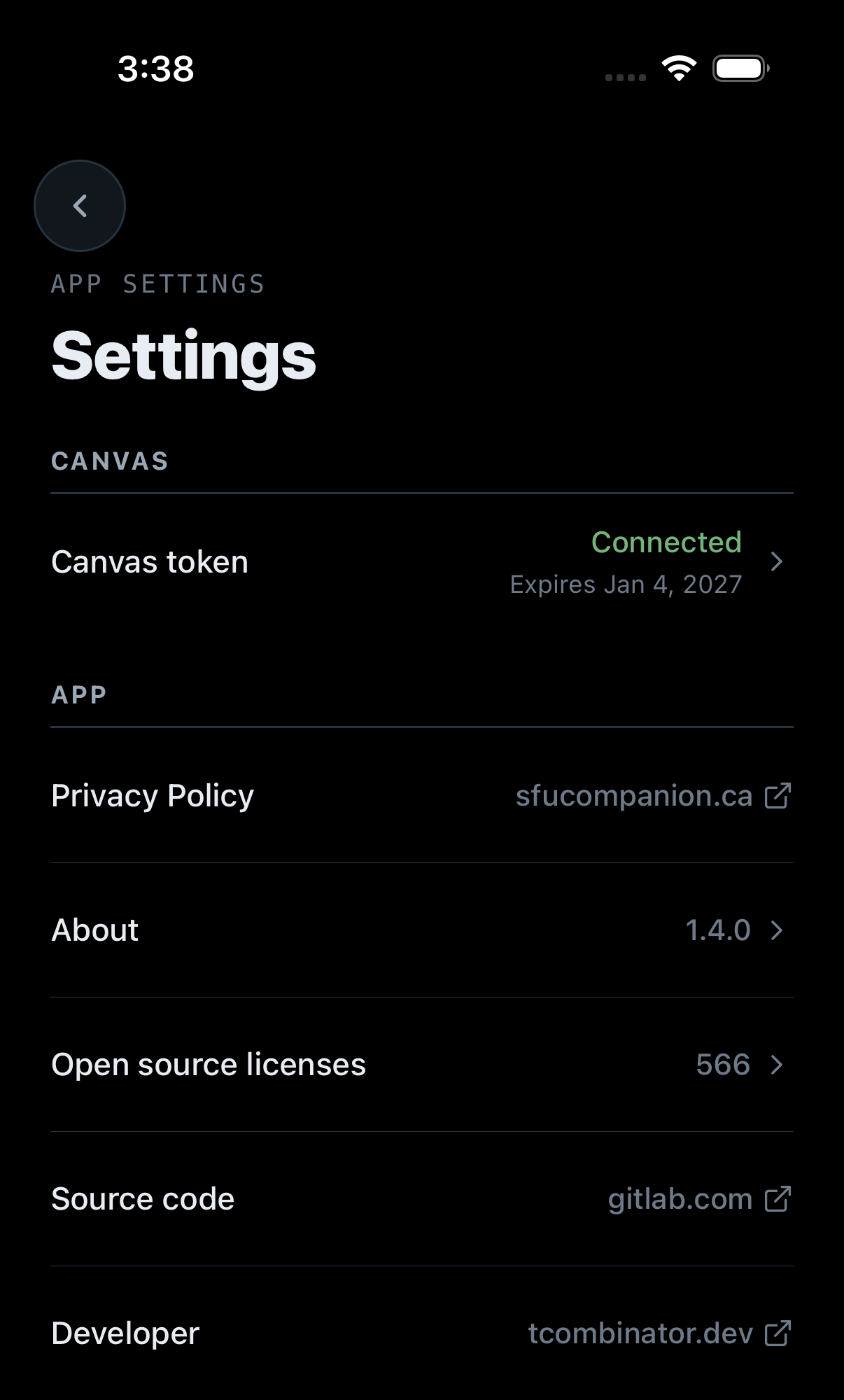
Open Settings → Canvas token. Paste your key into Personal access token, then tap Connect Canvas.
Already connected? Use Update Token, as shown here.
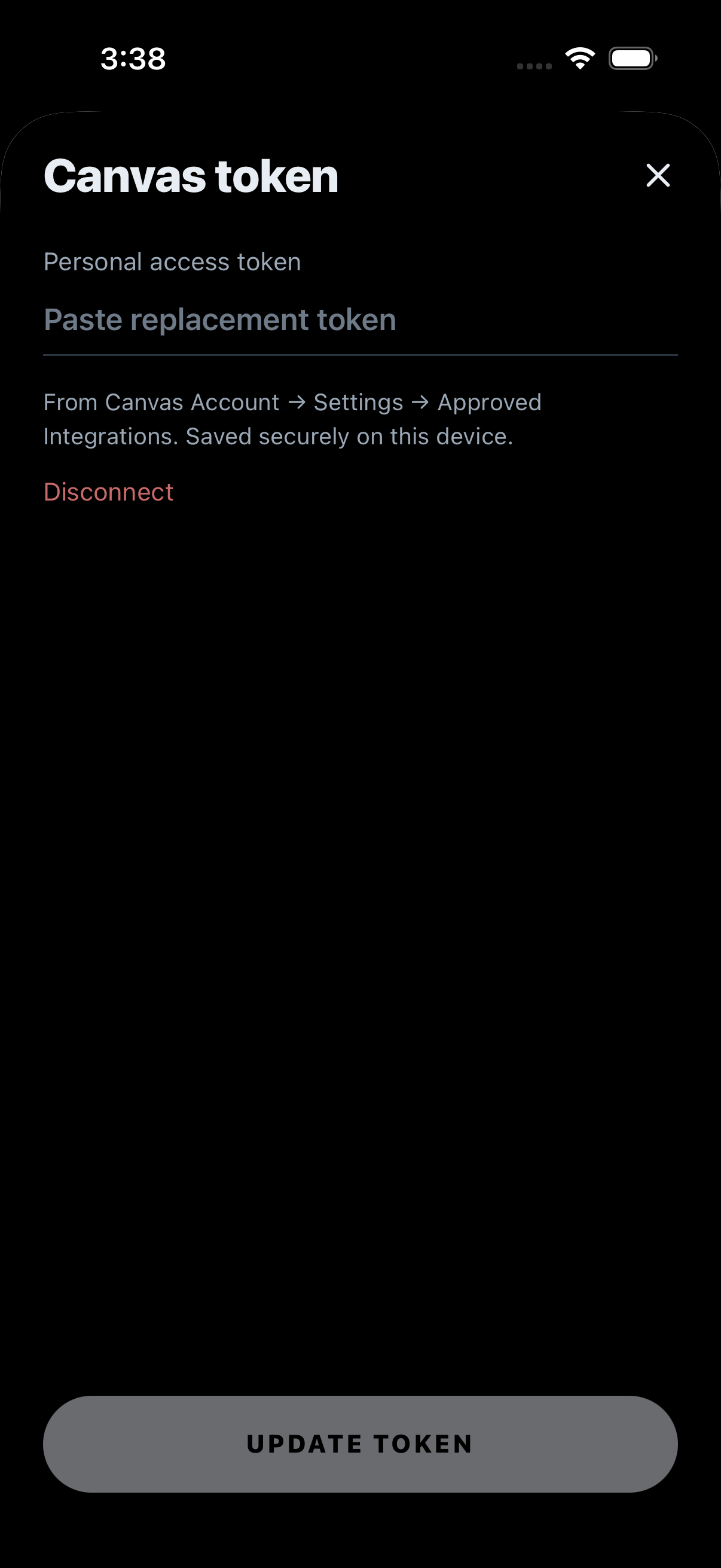
Keep your key private. When it expires, create a new one and update it in the app.