
Made for SFU students

Campus,
without the friction.

Classes, schedule, transit, and every room in between. One quiet app for getting through the day.
Download on theApp Store Coming soon toGoogle Play
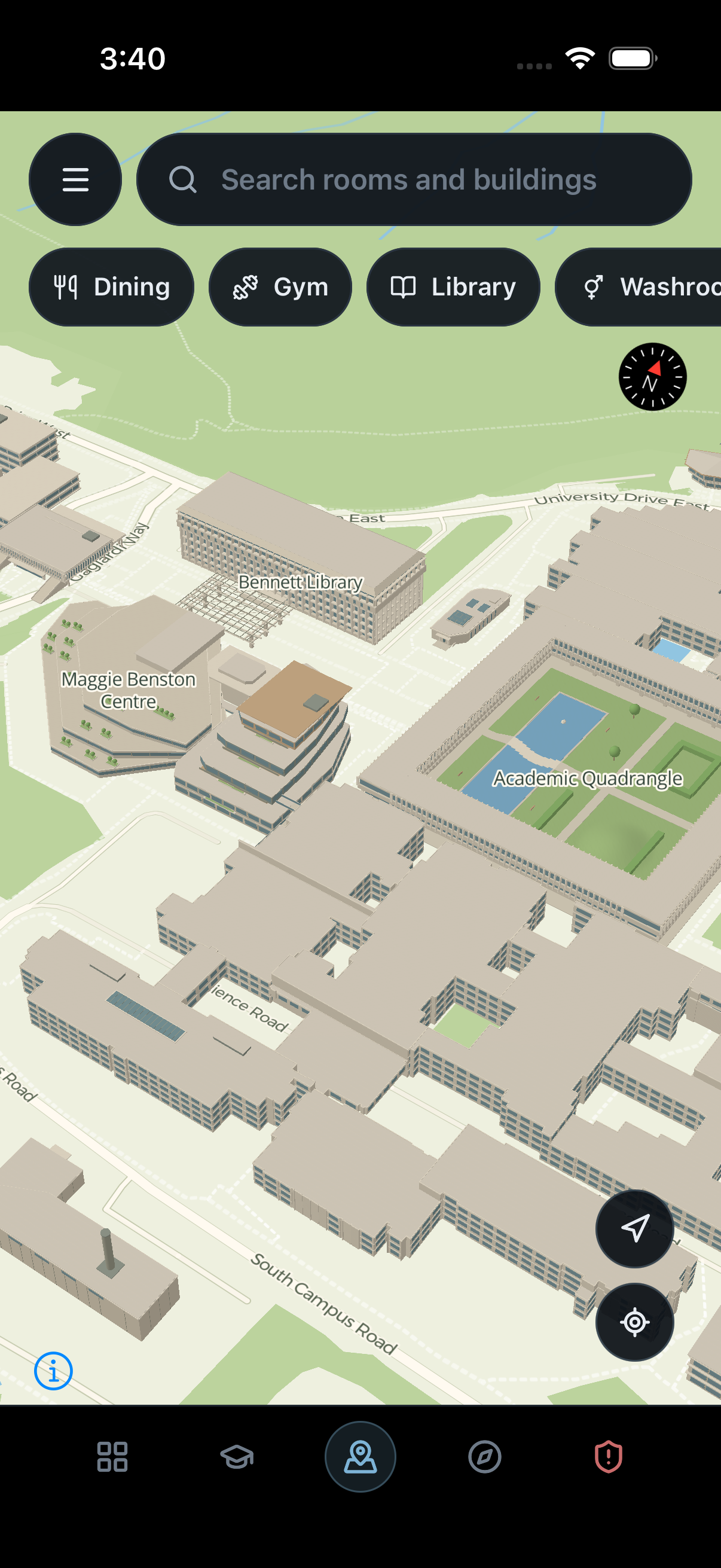
New campus map with pastel buildings and green grounds
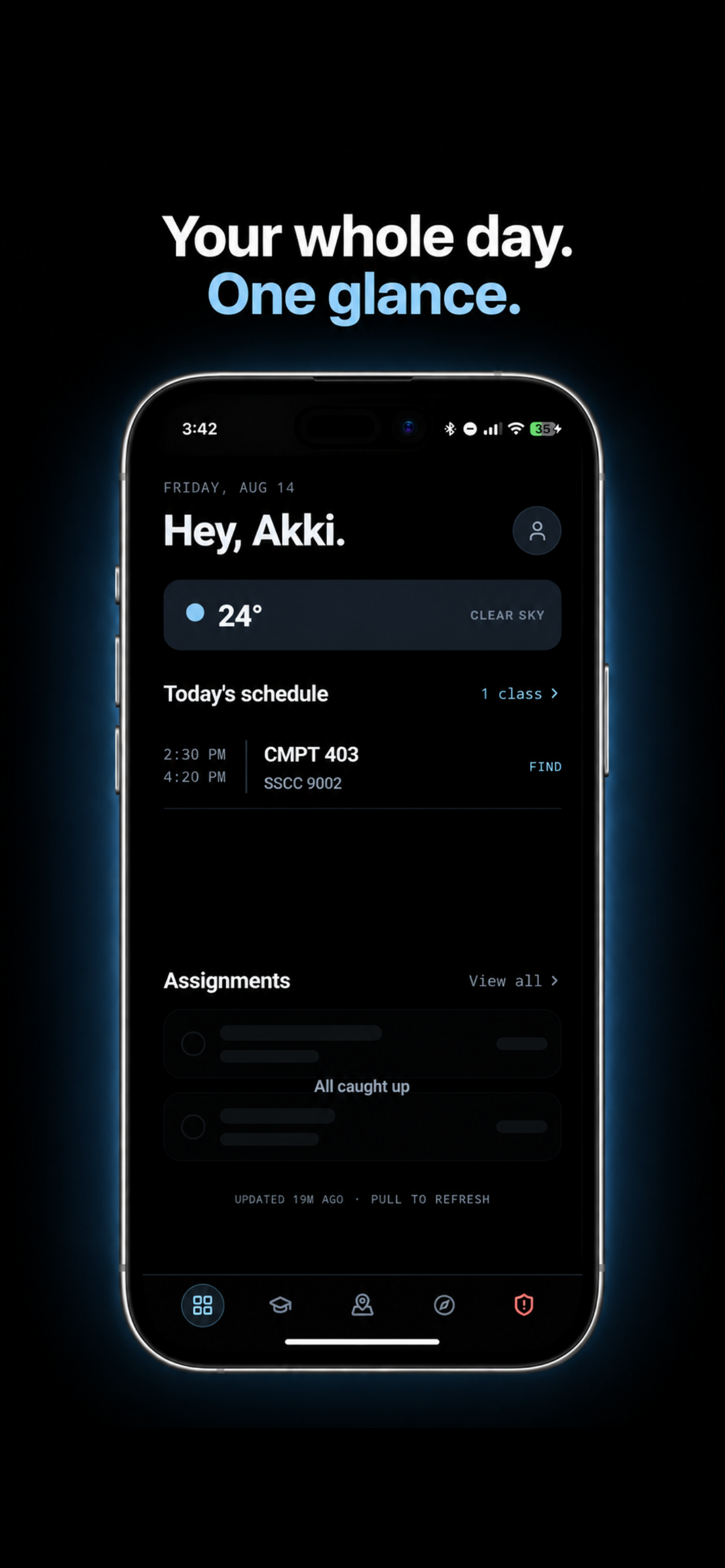
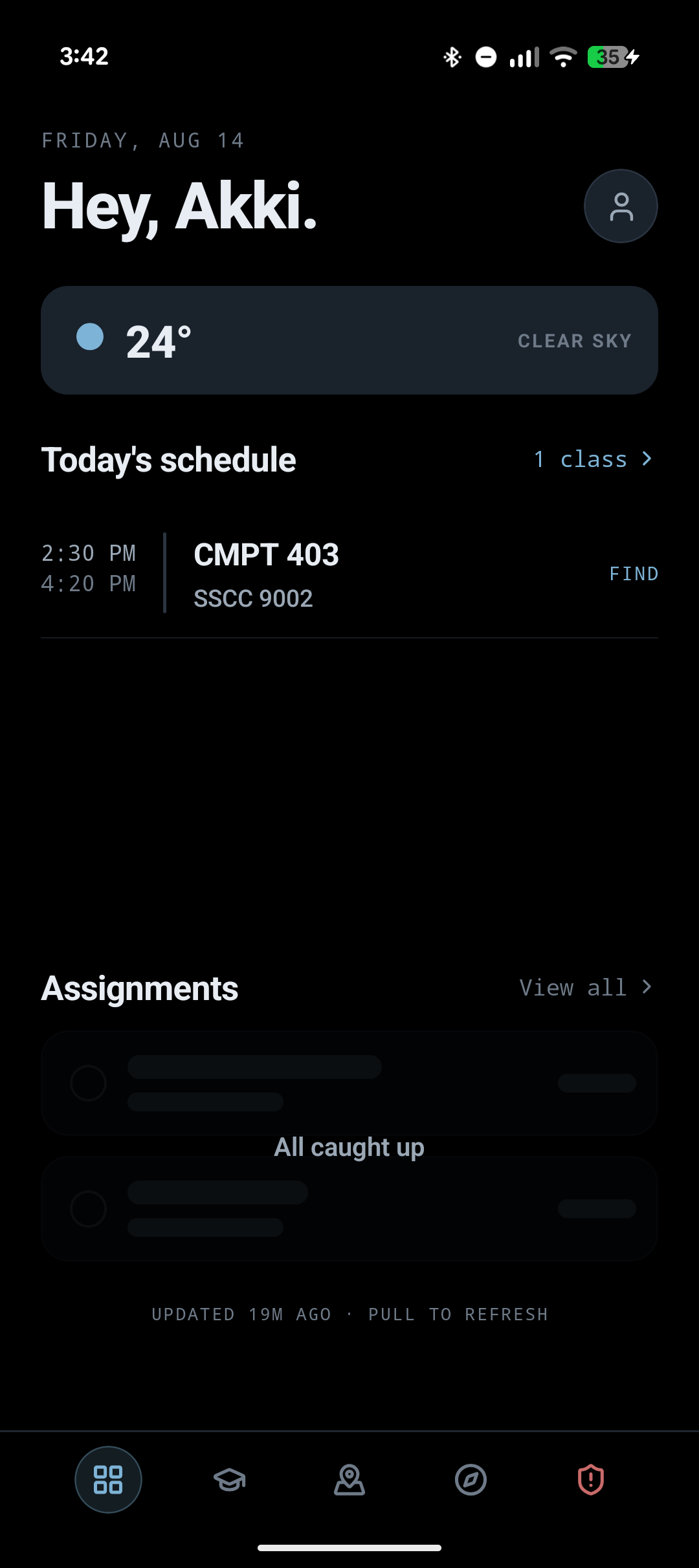
Home screen with weather, today's classes, and assignments

Your whole day. One glance.

SFU Companion home screen showing today's class and assignments in a phone

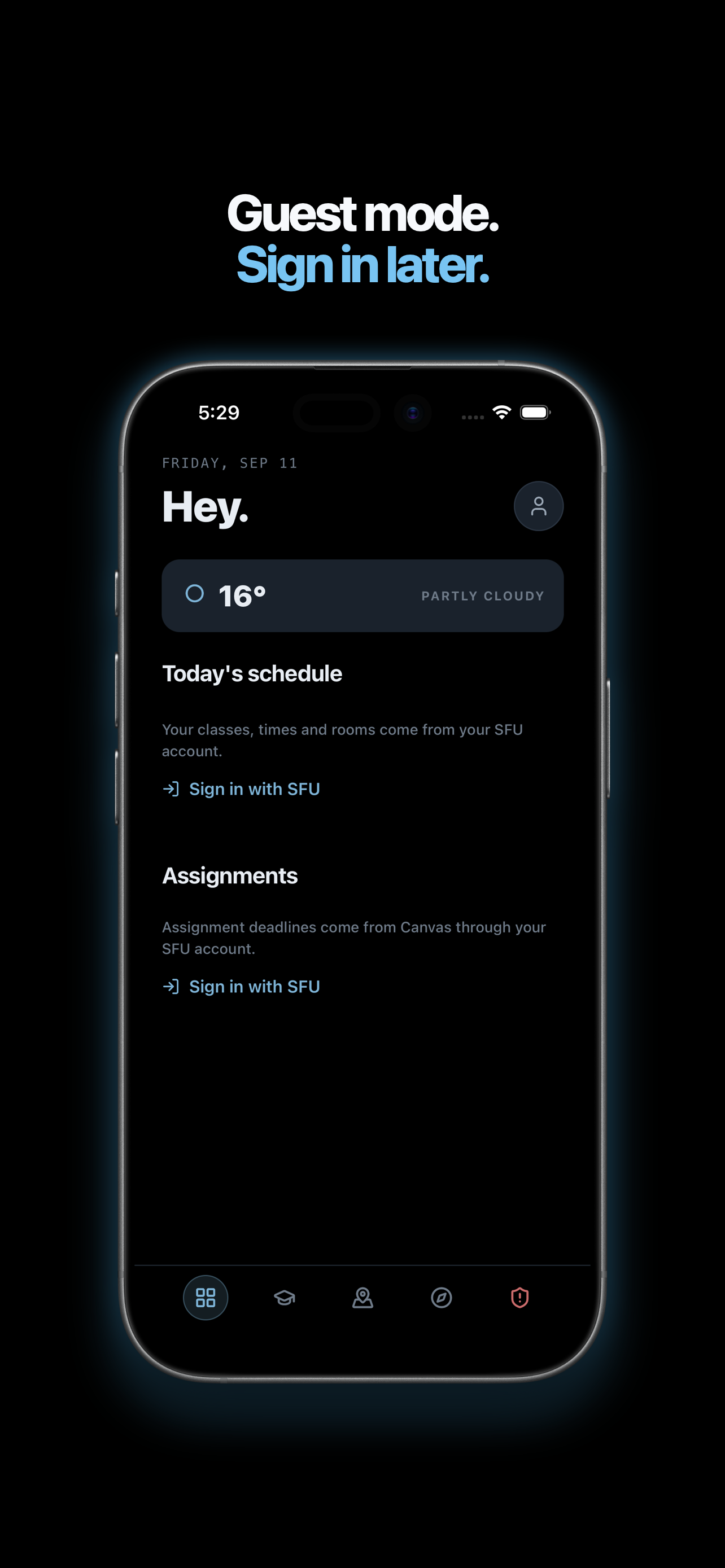
Guest mode. Sign in later.

SFU Companion guest mode home screen showing features available before signing in

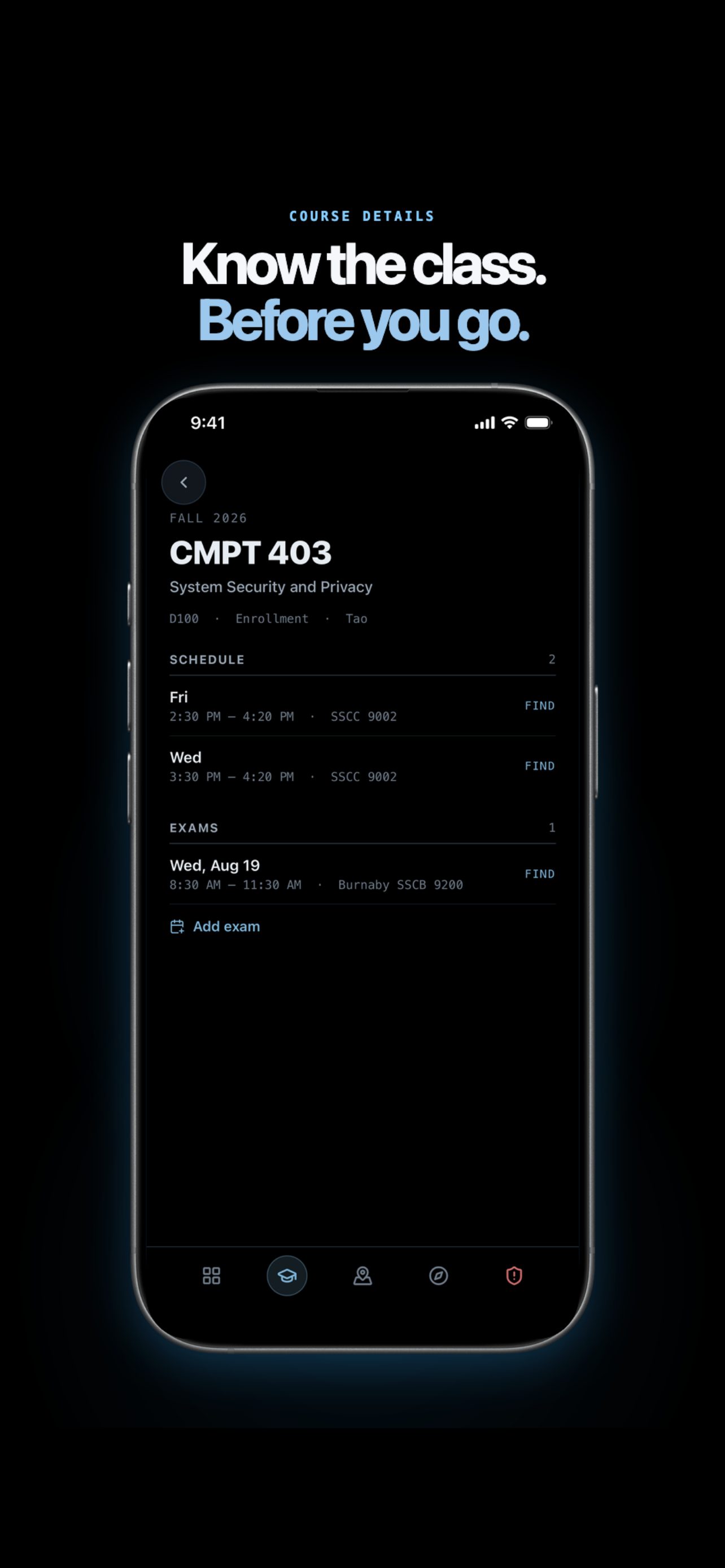
Know the class. Before you go.

SFU Companion course details screen showing a class schedule and exam

Room finder

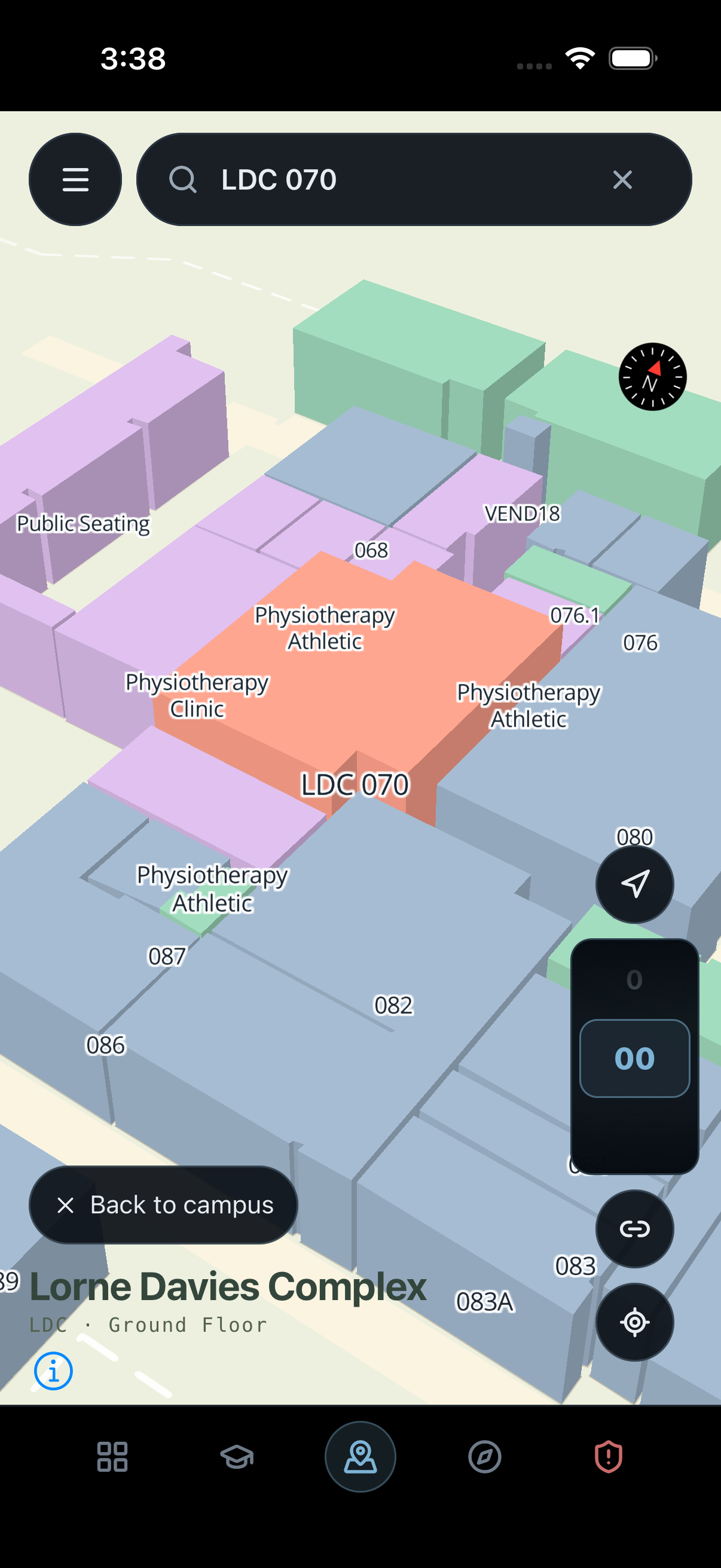
Find the room.
Skip the maze.

New room finder highlighting LDC 070 in the Lorne Davies Complex floor plan

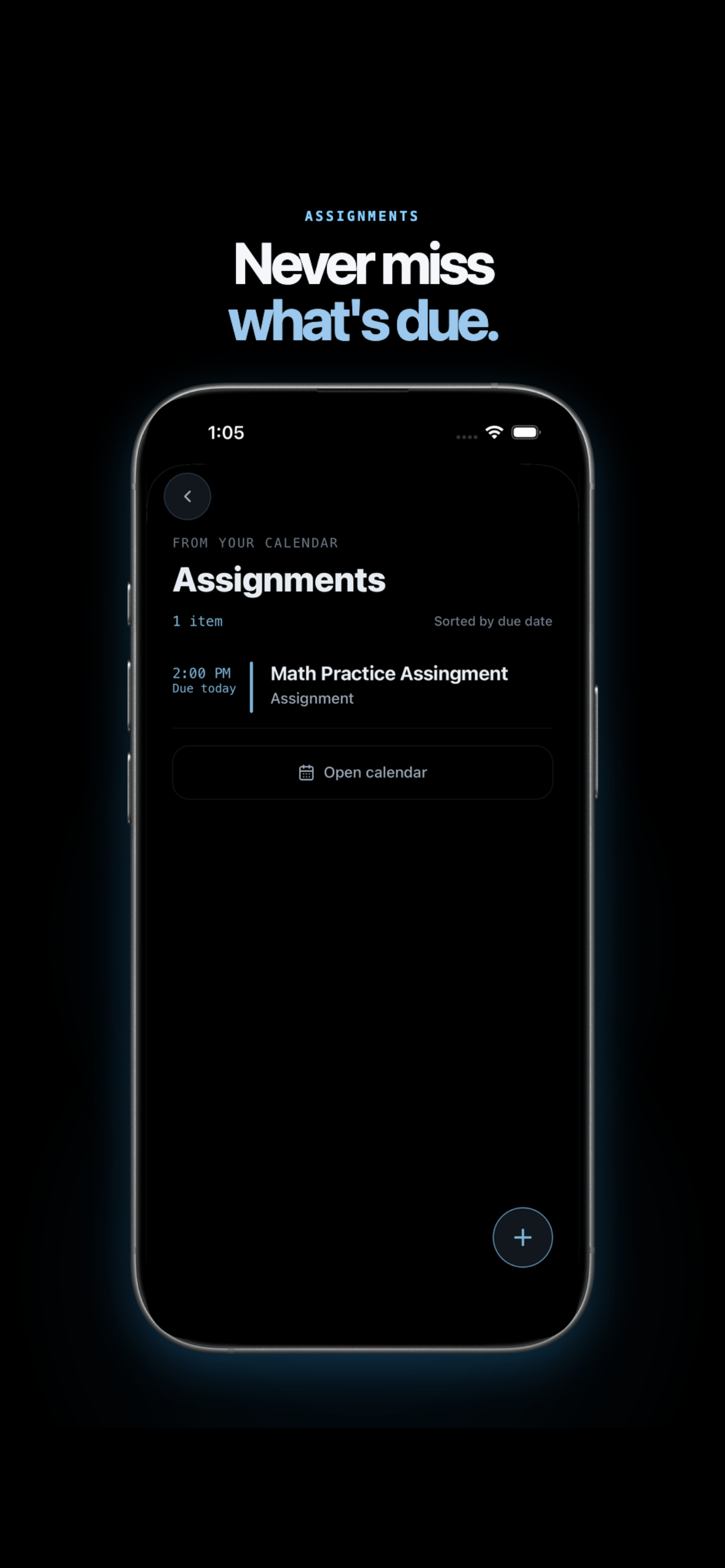
Never miss what's due.

SFU Companion assignments screen showing a due item and calendar button

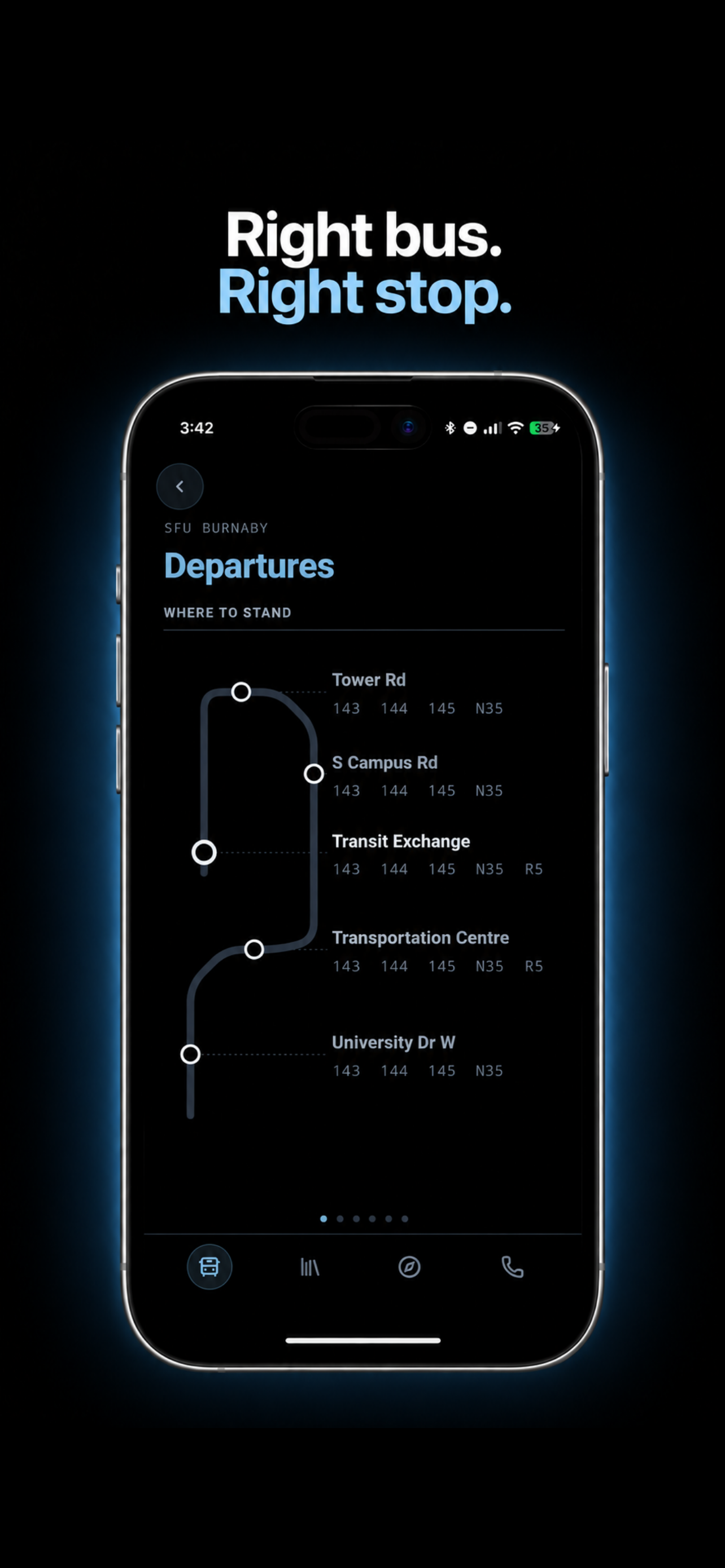
Right bus. Right stop.

SFU Companion departures screen showing campus bus stops in a phone

SFU Companion Map

Standalone map.

Open SFU Companion Map
SFU Burnaby campus map with cream 3D buildings and green grounds

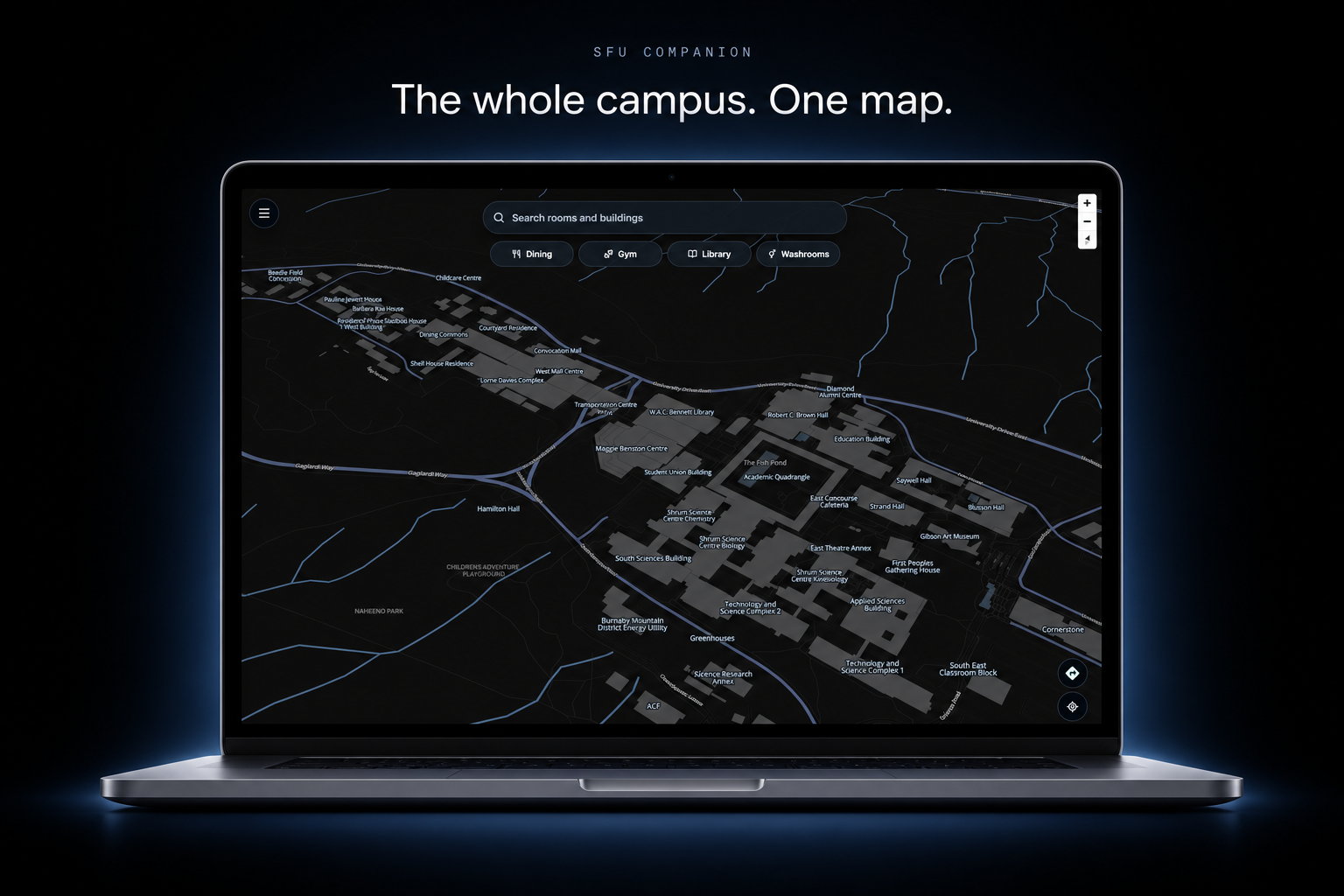
SFU Companion Map

The whole campus.
One map.

SFU campus map with traversable paths highlighted

Traversable paths

Walkable, all the
way through.

Room finder highlighting TASC1 9204 on the campus map

Room finder

Find the room.
First try.

Route from TASC1 9204 to SFU Transit Exchange Bay 1, with an amber unmapped connector near the room

Wayfinding

Your route.
Across campus.

FAQ

Do I need to sign in?

No. Guest mode includes the campus map, transit schedules, and campus utilities. Sign in when you want your classes and assignments.

Does SFU Companion track my data?

No accounts. No tracking. Your SFU Computing ID and password stay on your device in its secure credential storage. The app sends them only to SFU when it needs to sign you in or refresh your data.

Where does SFU Companion connect?

Every network destination the app uses is listed here.

  • *.sfu.caClasses and campus data
  • api.open-meteo.comWeather
  • *.mapbox.comMap tiles
How do I connect the app to Canvas?

Create a Canvas API key, then add it in SFU Companion Settings.

Do I still need SFU Snap?

Yes. We highly recommend keeping SFU Snap installed because SFU sends campus safety announcements through it. SFU Companion does not replace those alerts.